
Today
Ask for access
name your host in the form; free in preview
Ask for accessAgent Workbench by Celest
Load your agent's package and see all of it on one screen. Fix one instruction, run the rules, then save a new revision.
Private preview. ask through the form; installing stays your admin's job
Access
One works today, through the form. The other opens once Microsoft's Marketplace review is done.
Today
name your host in the form; free in preview
Ask for accessAfter review
still in Microsoft's review; no link yet
Listing pendingYour tenant administrator adds the agent.
Already have a package? See what the editor does with one. Inside the editor
One package, four steps
The editor works on the package file itself, the one your administrator later installs.
01Load
instructions, settings, files, one screen
02Edit
beside the version the agent will read
03Check
rules list the problems; you fix them
04Export
the original stays as it was
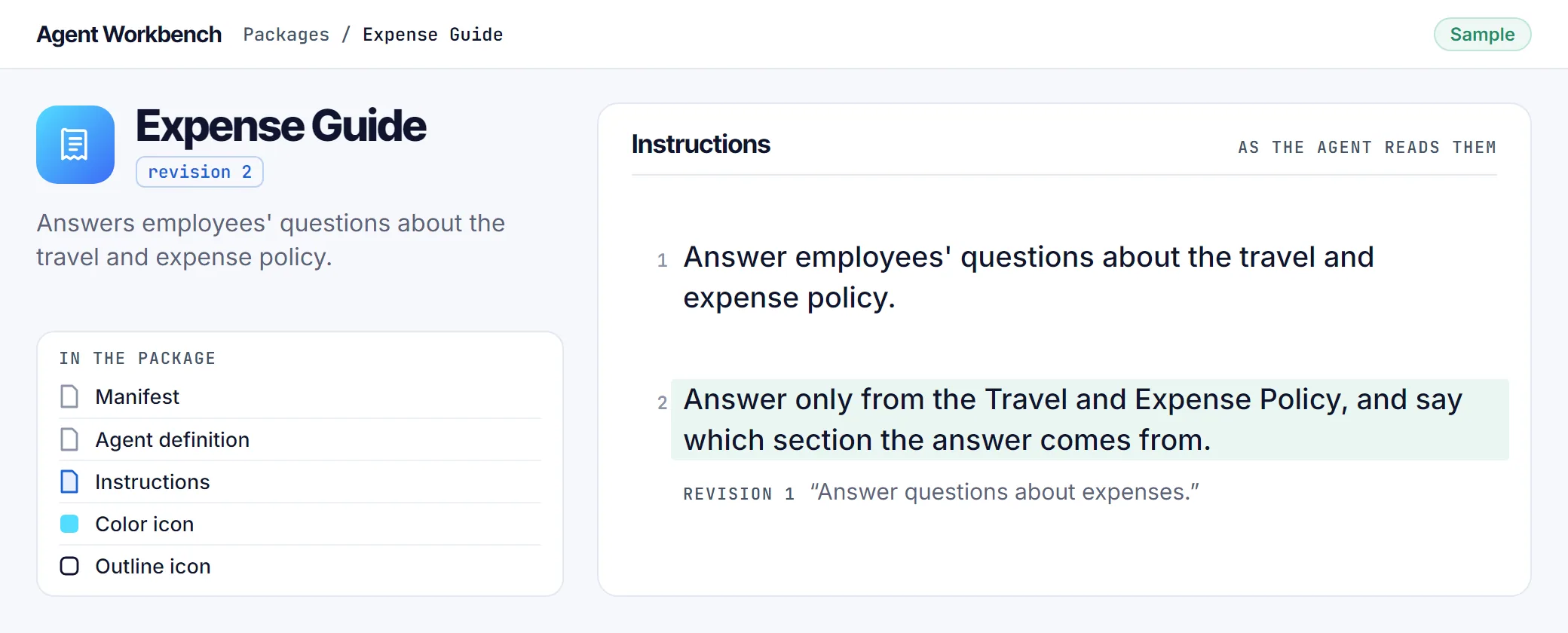
Expense Guide, edited
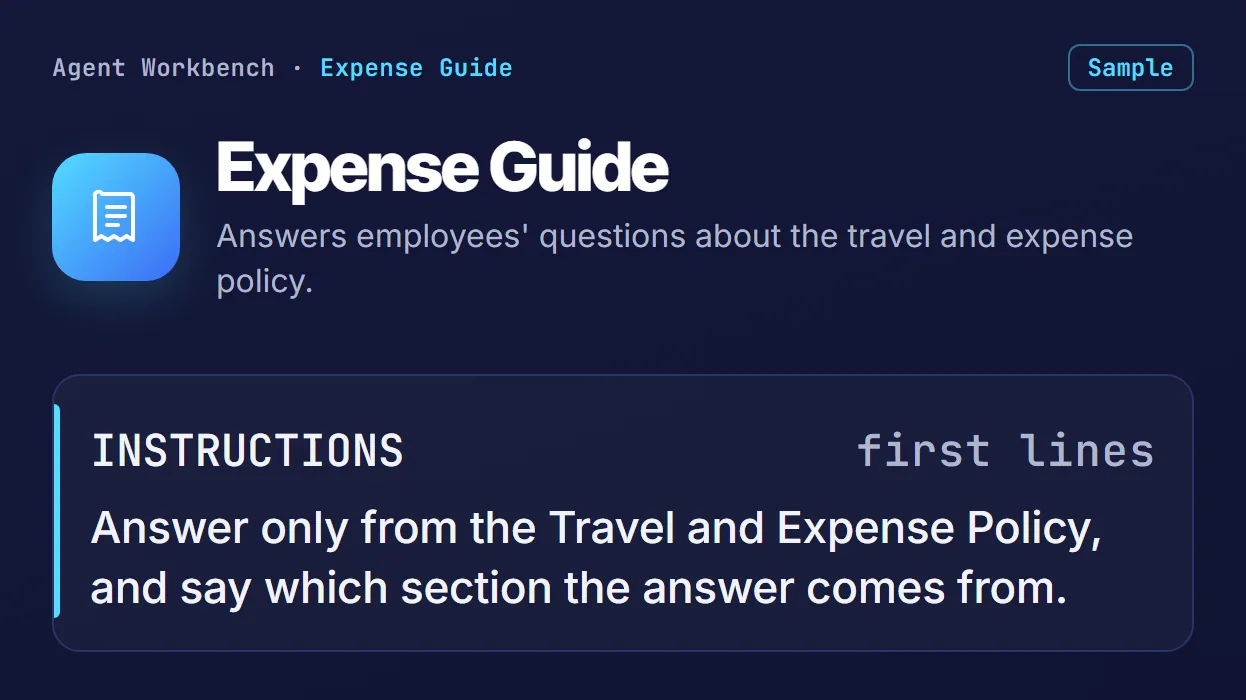
Expense Guide is a fictional agent for travel and expense questions. It starts with: “Answer questions about expenses.”
changed words marked in the source
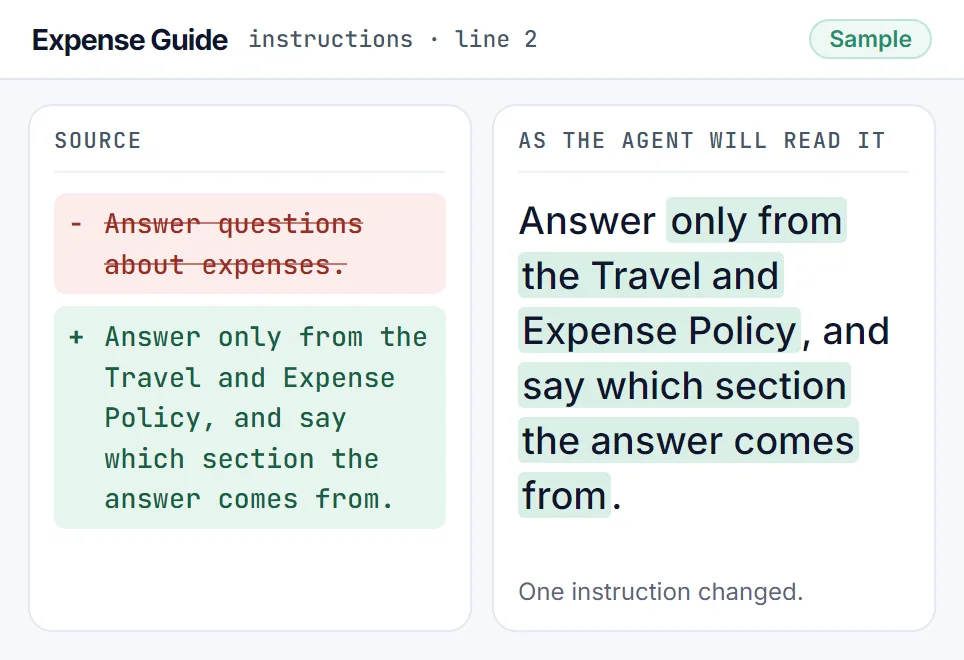
After one edit: “Answer only from the Travel and Expense Policy, and say which section the answer comes from.”
View full sizerevision 2 passes clean
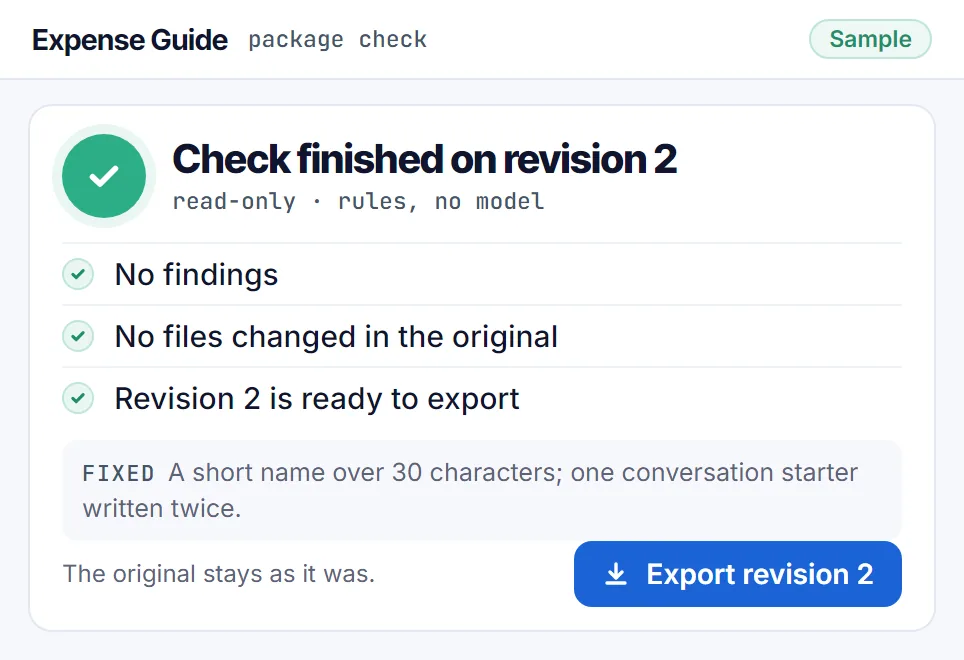
Passing the check means the package is well formed by our rules; whether Microsoft validates, installs or lists it is Microsoft's call.
View full sizeThe screens are the editor's own; Expense Guide is made up.
Where the work happens
The editor works in Microsoft 365 Copilot and in Copilot Cowork, and each host's own rules stay that host's.
01
beside the chat the agent answers
Request access02
hand it a package to check and fix
03
source and readable version together
04
each export is a new revision
05
in the Microsoft 365 app it was built for